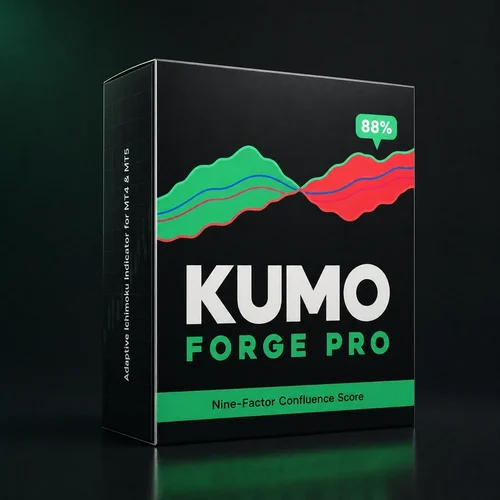
Kumo Forge Pro (MT4/MT5)
- Ichimoku setups scored out of 100 from eight factors
- Entry, stop and three targets (1.5R, 2.5R, 4R) drawn on every signal
- MT4 and MT5 builds in one download
Independent reviews of software, AI tools and digital productsIndependent software reviews
Honest Reviews of Digital Products and Software
156 indicators and trading tools for MT4/MT5, TradingView, NinjaTrader 8, cTrader and crypto — sorted by platform and trading style.
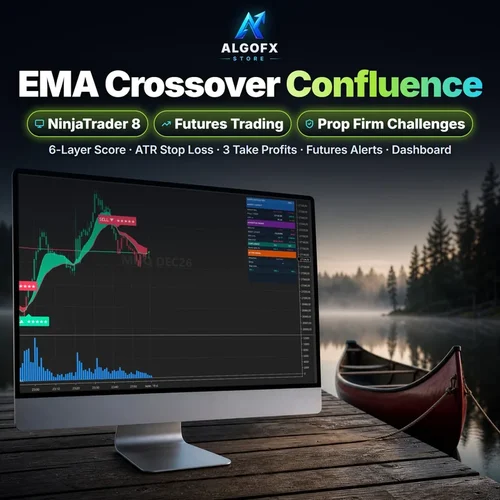
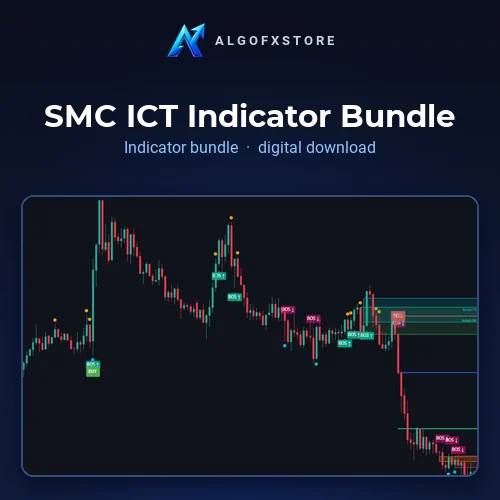
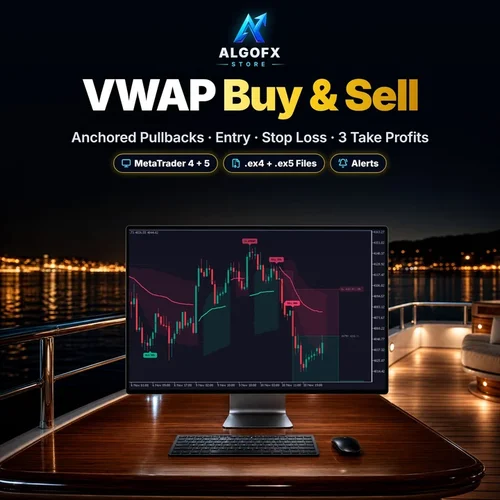
Risk warning: Trading forex, futures, CFDs and crypto carries a high risk of losing money, and leveraged products can lose more than you put in. No indicator can predict the market. Results shown by sellers are not typical. Test any tool on a demo account first, and only trade money you can afford to lose. Nothing on this page is financial advice.
Indicator explorer
The same indicator is often sold for several platforms. We grouped all 153 listings into 94 indicator families — filter by your platform and trading style, or search by name.
47 products
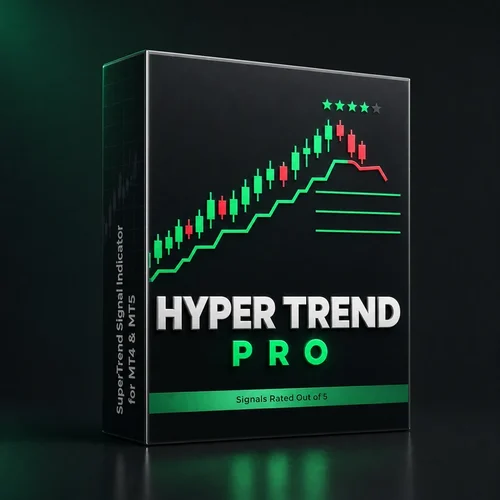
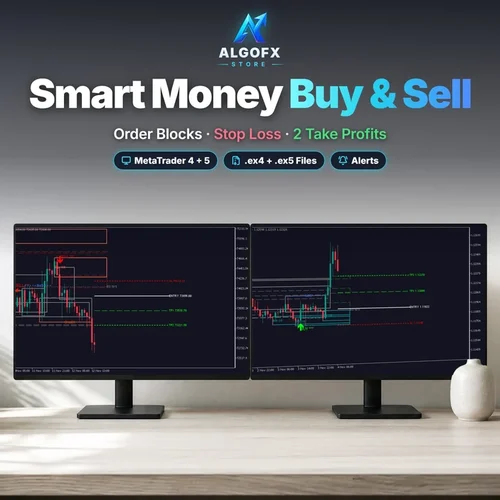
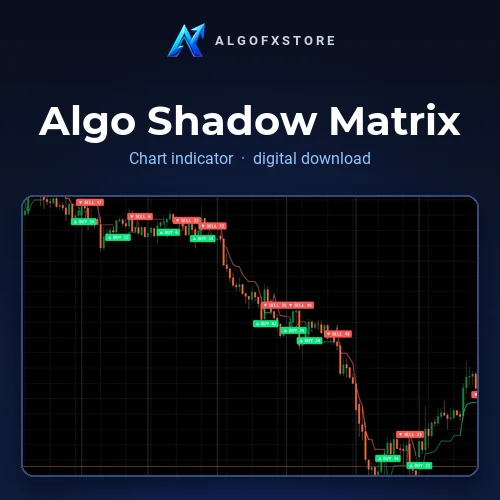
Custom indicators for MetaTrader 4 and 5 — the most common platform for forex and CFD trading. Most AlgoFXStore products include both builds in one download.
61 products
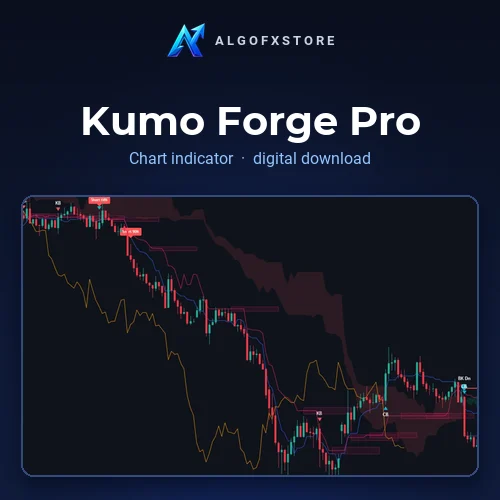
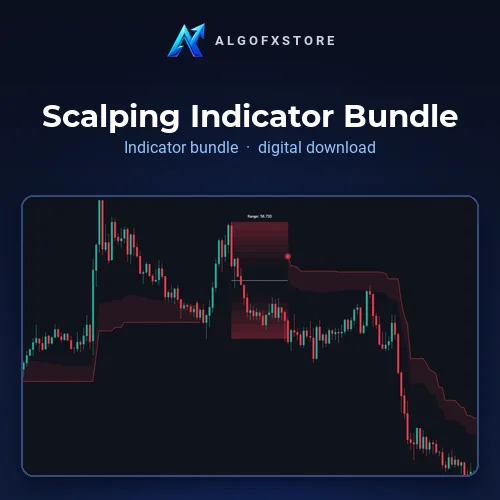
Indicators for TradingView charts — forex, stocks, indices, gold and crypto in the browser. The AlgoFXStore versions come with the full Pine Script source code and a PDF guide.
46 products
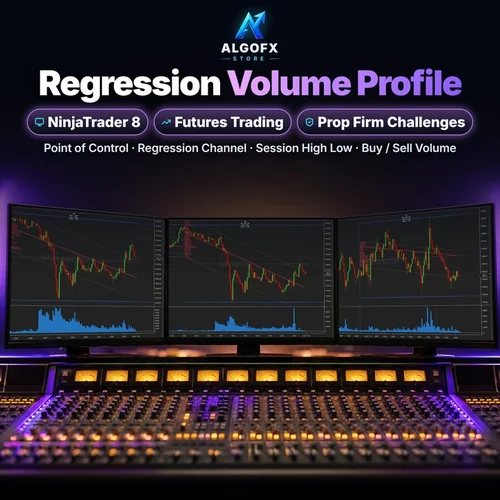
NinjaTrader 8 versions are built for futures — stops and sizes in ticks for contracts like MNQ, MES, GC and CL. cTrader versions serve forex and CFD traders on cTrader brokers.
2 products
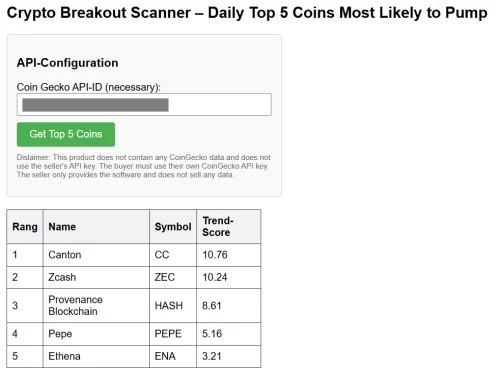
Tools aimed at Bitcoin, Ethereum and other coins — a browser scanner, a phone signal app, plus crypto-ready indicators in the TradingView range.
Free calculators
An indicator tells you where. These two calculators tell you how much — and what your win rate and reward-to-risk ratio really add up to.
Turn your risk per trade into a lot size (forex) or a number of contracts (futures).
$10 is typical for pairs quoted in USD, such as EUR/USD. Check your broker for other pairs and for gold.
See what a win rate and reward-to-risk ratio mean over many trades — and how long a normal losing streak can be.
Before you buy
Tick each point before you buy or go live. If you can answer all eight, you know what you are getting.
How we review

Founder and Editor, SoftwareSelects
Serkan builds software and online calculators himself and reviews trading tools by what they actually draw on the chart, how they are delivered and what they cost — not by the profit screenshots on a sales page. Product details here come from the Digistore24 marketplace listings and the sellers’ own pages, checked on November 26, 2026. He is not a licensed financial advisor.
FAQ
No. An indicator turns price, volume or volatility into a picture or a signal based on fixed rules. It can help you stay consistent, but it cannot know what price will do next. Use it with a plan and a fixed risk per trade.
The newer AlgoFXStore indicators state that signals are decided on closed bars, and several have a non-repaint mode switched on by default. Always confirm on a demo chart: mark each signal and check that it stays in place after the candle closes.
Pick the platform you already trade on. MT4/MT5 suits most forex and CFD brokers, TradingView suits multi-market charting in the browser, NinjaTrader 8 is built for futures, and cTrader is used by a number of forex brokers.
Each platform needs its own code. Kumo Forge Pro, for example, is sold separately for MT4/MT5, TradingView, NinjaTrader 8 and cTrader. Use the platform filter in the explorer to find the version you need.
No. The MetaTrader mobile apps cannot run custom indicators. Run them on the desktop terminal or a VPS and send alerts to your phone.
The AlgoFXStore TradingView indicators come with the full Pine Script source code and a PDF guide, so you can add them to your own TradingView account.
Many traders keep the risk on a single trade to a small, fixed share of the account — often 0.5% to 2%. The position size calculator on this page turns that percentage into a lot size or a number of futures contracts.
We may earn a commission if you buy through a link from our AI assistant, at no extra cost to you. It does not change how products are described here. Nothing on this page is financial advice.
Tell our assistant your platform, the market you trade and your style. It will point you to the matching indicators.
Product details are based on Digistore24 marketplace listings and sellers’ pages as of November 26, 2026 and can change — always confirm the price, platform version and refund terms at checkout. Trading involves substantial risk of loss; past or simulated results do not guarantee future results. SoftwareSelects may earn a commission from purchases made through our assistant’s links, at no extra cost to you.

Who reviews the products
Serkan builds websites, WordPress plugins and online tools himself, so he looks at software the way a working user would. Every review covers what the product really does, the full price including subscriptions and upsells, what you need to run it and the refund window — and says plainly when a sales-page promise is not backed up.
Independent reviews of software, AI tools and digital products. We look past the sales page: what the software really does, the full cost including subscriptions and upsells, what you need to run it and the refund terms.
Earnings & risk disclaimer. Results vary. Income, traffic and trading figures quoted by software sellers are not typical and are not guarantees. Trading forex, futures and crypto carries a high risk of loss, and no indicator can predict the market. Nothing on SoftwareSelects is financial, investment or legal advice. Earnings disclaimer
Affiliate disclosure. SoftwareSelects is reader-supported. When you buy through links on our site — including Digistore24 links — we may earn a commission, at no extra cost to you. This never changes our verdicts. How we earn money
© 2026 SoftwareSelects. All rights reserved.