Photomizer 3 Premium Review 2026: Automatic Photo Fixes for Whole Folders
Windows software from Engelmann Software that improves colour, light, contrast and sharpness automatically — for one photo or a whole folder — with denoise, repair, resize, red-eye, retro and tilt-shift tools and support for JPG, TIFF and many RAW formats. $39.99 one-time with a 60-day money-back guarantee.
Our verdict
The quick way to make a whole photo collection look better
photo fixer
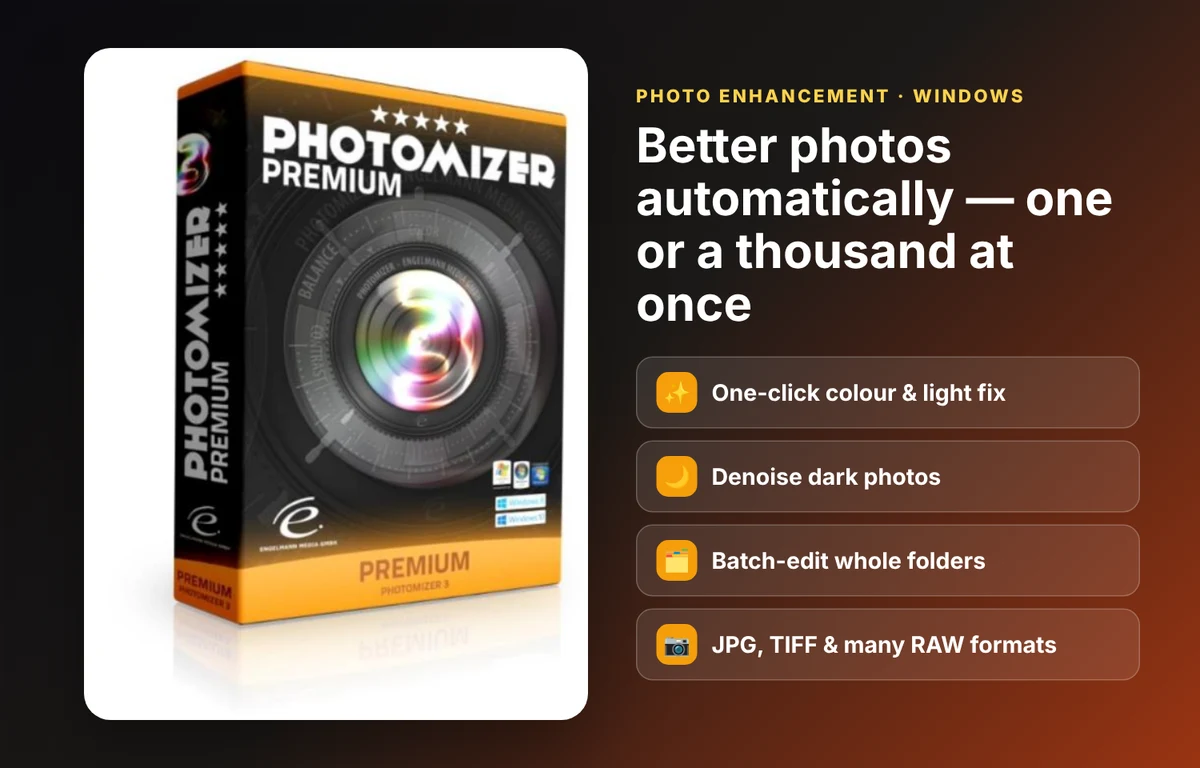
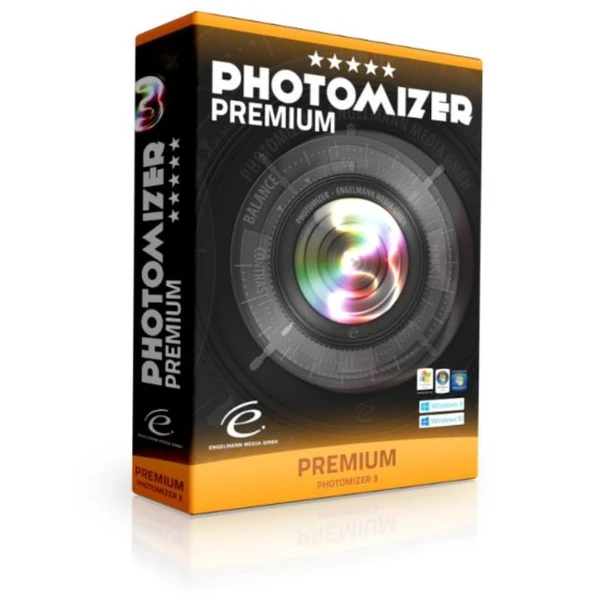
Photomizer 3 Premium is for people who have hundreds of photos and no time to edit each one. Point it at a folder and its automatic optimisation corrects colour, tonal values, white balance, contrast and sharpness in one pass; the split view shows before and after side by side. The Premium edition adds the full toolbox: denoise for dark, grainy shots, an artifact filter for blocky JPEGs, resizing up to 32×, red-eye removal, negative-to-positive conversion for scanned film, retro and black-and-white looks, frames and a tilt-shift miniature effect. It reads JPG, BMP and TIFF plus many RAW formats. For $39.99 once, from a German publisher with a long track record and a 60-day money-back guarantee, it is an easy way to rescue a photo collection.
What we like
- Whole folders in one go. Batch mode applies the same steps to every selected photo.
- Automatic, but adjustable. Auto-Correction and Auto-Color with intensity control, plus an HDR simulator.
- Rescue difficult shots. Denoise for low light and an artifact filter for blocky JPEGs.
- Reads RAW too. NEF, CR2, ARW, DNG, RAF, ORF, RW2 and more, plus JPG, BMP and TIFF.
- Fun extras. Retro films, black & white, frames and tilt-shift miniatures.
- Pay once, safe to try. $39.99 one-time with a 60-day money-back guarantee.
Good to know
- Windows only. There is no Mac version of Photomizer 3.
- Not a full photo editor. No layers or detailed retouching — it is built for fast, automatic improvement.
- Enlarging has limits. Resizing a small, blurry photo makes it bigger, not truly sharper.
- Newer version exists. Engelmann now also sells Photomizer 4; this review covers Photomizer 3 Premium as sold on Digistore24.
What’s inside
Optimise, repair and create
The functions below come from the Photomizer 3 online help and the Digistore24 product description. Premium includes all modules.
Optimise
- Automatic optimisationColour, tonal values, white balance, contrast, sharpness
- Auto-Correction & Auto-ColorWith adjustable intensity
- Object recognitionSmarter automatic corrections
- HDR simulatorHDR-like results from one photo
Repair & resize
- DenoiseFor dark, grainy low-light photos
- Artifact filterReduces JPEG blocking
- Resize up to 32×Linear, Cubic, Lanczos 3, Lanczos filters
- Red-eye, rotate, crop, negativesEveryday fixes in one place
Create & save
- Retro & black and whiteHistoric camera and film looks
- Tilt-shift & framesMiniature effect and decorative frames
- RAW + JPG, BMP, TIFFSave as JPG, PNG, BMP, GIF, TIFF, JXR
- Batch & single image modesPlus split view and full screen
How it works
From a folder of photos to better pictures
Add your photos
Open single files or a whole folder (Ctrl+D), or import from a camera. The list shows name, format, resolution, camera and date.
Choose the improvements
In batch mode tick the steps you want — optimisation, denoise, resize, retro — and set the intensity. In single image mode you also get red-eye and tilt-shift.
Compare before and after
Use the split view with a slider to compare original and result, zoom with the mouse wheel and toggle Preview/Original with Ctrl+T.
Save the batch
Pick the output format (JPG, PNG, BMP, TIFF…) and folder and save all selected photos. Existing files get a number or suffix unless you choose to overwrite.
Pricing
One payment, no subscription
Photomizer 3 Premium is a one-time purchase through Digistore24. You get the download right after paying and your licence key by e-mail. Prices from the order form in US dollars.
Photomizer 3 Premium
$39.99 one-time
Optimisation, repair, resize, retro, tilt-shift and more.
- Batch and single image editing
- Denoise and artifact filter
- JPG, BMP, TIFF and many RAW formats
- Free updates for registered users
- 60-day money-back guarantee
Optional extras at checkout
+$8.74 from
Not needed to use the program.
- Premium Support (2 years): +$8.74
- Backup DVD by post
- Both covered by the 60-day guarantee
Sales tax or VAT is added at checkout where it applies, and the price may be shown in your local currency.
Setup guide
Installing and using Photomizer 3 Premium
Installation takes a few minutes. Then run a first batch on a copy of one folder.
Buy and download
Check out on Digistore24 ($39.99 one-time). You land on the download page straight away, and your licence key arrives by e-mail.
- Keep the Digistore24 order e-mail — it has the download and refund links.
Install
Save your work and close open programs, then double-click the downloaded file and follow the setup wizard. Nothing changes until you click Install.
- Needs Windows 7–11, at least 2 GB RAM (8 GB recommended) and the .NET 4 Framework.
Activate
Start Photomizer 3 (Start menu → Engelmann Software → Photomizer 3), choose Enter License Key, paste the key from your e-mail and click Check and Activate License Key. An internet connection is needed.
Copy a test folder
Make a copy of one photo folder to test with, so your originals stay untouched while you learn.
💡 Settings (Extras → Settings) let you keep sub-folders and the original file date.
Add photos and pick a mode
Open the folder (Ctrl+D) in batch mode, or double-click a photo for single image editing (needed for red-eye and tilt-shift).
Choose improvements
Turn on Optimization (Auto-Correction, Auto-Color) and add Denoise, Resize, Retro or Black & White as needed. Adjust the intensity.
- Use the module finder above if you are not sure which tool to use.
Compare and fine-tune
Switch to the split view (Ctrl+2) and drag the slider; toggle original and preview with Ctrl+T; zoom with the mouse wheel.
Save the results
Choose the output format and folder and click Save selected images. Leave file-name handling on “numbering” or “suffix” so originals are never overwritten.
- Check for updates under Extras → Update.
- If it is not for you, request your refund within 60 days.
Three common photo jobs
Start with the job you need most.
Holiday photos
- Open the folder in batch mode.
- Turn on Auto-Correction and Auto-Color.
- Save as high-quality JPG to a new folder.
Hundreds of photos in one run.
Dark party pictures
- Select the low-light shots.
- Add Denoise, then optimise.
- Remove red eyes in single image mode.
Check details at 100% zoom.
Old scans & negatives
- Add the scanned files.
- Use Negatives for film, then optimise.
- Save as TIFF or BMP for the archive.
Keep the originals.
Six things worth knowing
Work on copies
Test on a copied folder first.
Split view
Ctrl+2 shows before and after.
Single image mode
Needed for red-eye and tilt-shift.
Lanczos 3
Best filter for enlarging.
Suffix, not overwrite
Keep originals safe.
JPG vs. BMP
JPG for sharing, BMP/TIFF for archiving.
Your setup checklist
Free calculators
Photo tools you can use right now
Find the right module for your problem, check how large you can print, pick the best size for your screen and estimate batch output size.
Which Photomizer module do I need?
Pick what is wrong with your photos. We show the module and the steps from the Photomizer 3 help.
Print size calculator
How large can you print a photo? Enter its pixel size — Photomizer shows it in the file list.
| Quality | Max print size |
|---|
Best size for your screen or frame
Photomizer can scale photos to fit a device. Pick where your photos will be shown.
Batch output size estimator
Choose an output format for a batch and see roughly how much space the results need.
Rough averages; real JPG and PNG sizes depend on the picture content.
Quick check
Is Photomizer 3 Premium right for you?
Answer 5 quick questions.
Do you have many photos that look dull, dark or off-colour?
Do you use a Windows PC?
Would you rather improve photos automatically than edit each one by hand?
Do you have old scans, low-light shots or blocky JPEGs to rescue?
Do you need professional retouching with layers and masks?
Also consider
Other tools from our PC Utilities & Media guide that suit different needs.
How to try it
Try Photomizer 3 Premium risk-free in 4 steps
FAQ
Photomizer 3 Premium questions answered
What is Photomizer 3 Premium?
It is Windows photo software from Engelmann Software that improves photos automatically — colour, light, contrast and sharpness — and includes denoise, repair, resize, red-eye, retro, black-and-white and tilt-shift tools.
Can it edit many photos at once?
Yes. In batch mode you choose the editing steps once and apply them to all selected photos or a whole folder.
Does it support RAW files?
Yes. Besides JPG, BMP and TIFF it reads many RAW formats, including RAW, CRW, ORF, 3FR, NEF, RAF, MRW, NRW, DNG, CR2, ARW, X3F and RW2.
Which formats can it save?
JPG, PNG, BMP, GIF, TIFF and JXR, according to the help.
Which Windows versions does it need?
Windows 7, 8, 10 and 11 (32- and 64-bit). The help recommends 8 GB of RAM (2 GB minimum) and an internet connection for activation.
Will it overwrite my original photos?
Not by default — it can add a number or suffix to new files. Overwriting is an option you have to choose, and it permanently replaces the old file.
Can it make small photos bigger?
Yes, the Resize module enlarges up to 32×, with Lanczos 3 recommended for upscaling. Very small originals gain little detail, though.
Is there a Mac version?
No, Photomizer 3 is for Windows.
How much does it cost?
$39.99 one-time on Digistore24, plus tax where it applies. Registered users get free updates.
Can I get a refund?
Yes. You have 60 days to request a full refund through the link in your Digistore24 order e-mail.
Free PDF
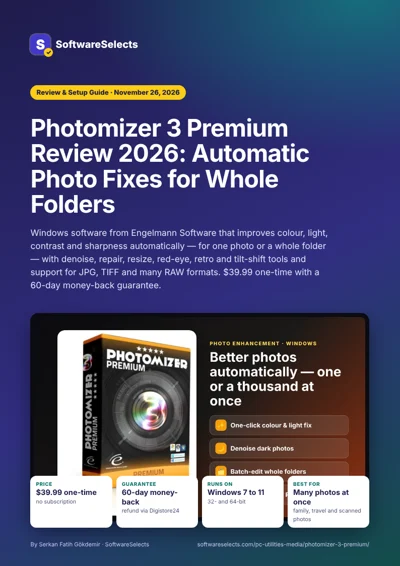
Download the Photomizer 3 Premium review & setup guide
Everything on this page in a colourful, printable PDF: our verdict, every module explained, the price, the full setup and editing guide, three common photo jobs, keyboard shortcuts and a checklist.
- Verdict & all modules
- 8-step setup guide
- 3 common photo jobs
- Shortcuts & checklist
About this review
Who wrote it

Serkan Fatih Gökdemir
Founder and Editor, SoftwareSelects
Serkan builds websites, WordPress plugins and online calculator tools himself, so he looks at software the way a working user would. He has also worked for 15 years as a medical laboratory technician, with an education in chemistry, and brings the same habit of checking details carefully to every page: what a product actually does, what it costs, what the refund terms are and who it suits.
Sources: the Digistore24 order form and listing for Photomizer 3 Premium and the Photomizer 3 online help from Engelmann Software, checked on November 26, 2026.
Questions about Photomizer 3 Premium?
Tell our assistant what kind of photos you have and what is wrong with them. It will tell you whether Photomizer fits and which module to use.
Details are based on the seller’s website and the Digistore24 listing as of November 26, 2026 and can change — always confirm the price and refund terms at checkout. SoftwareSelects may earn a commission from purchases made through our assistant’s links, at no extra cost to you. Affiliate disclosure
