MovieJack Review 2026: Save Videos You’re Allowed to Keep for Offline Use
A Windows program from Engelmann Software that saves online videos and audio to your PC — your own uploads, Creative Commons and other content you have the right to keep — as MP4, MKV, MP3, M4A or Opus, with subtitles. $19.99 one-time incl. one year of updates, with a 60-day money-back guarantee.
Our verdict
Handy for your own videos — use it with care
video tool
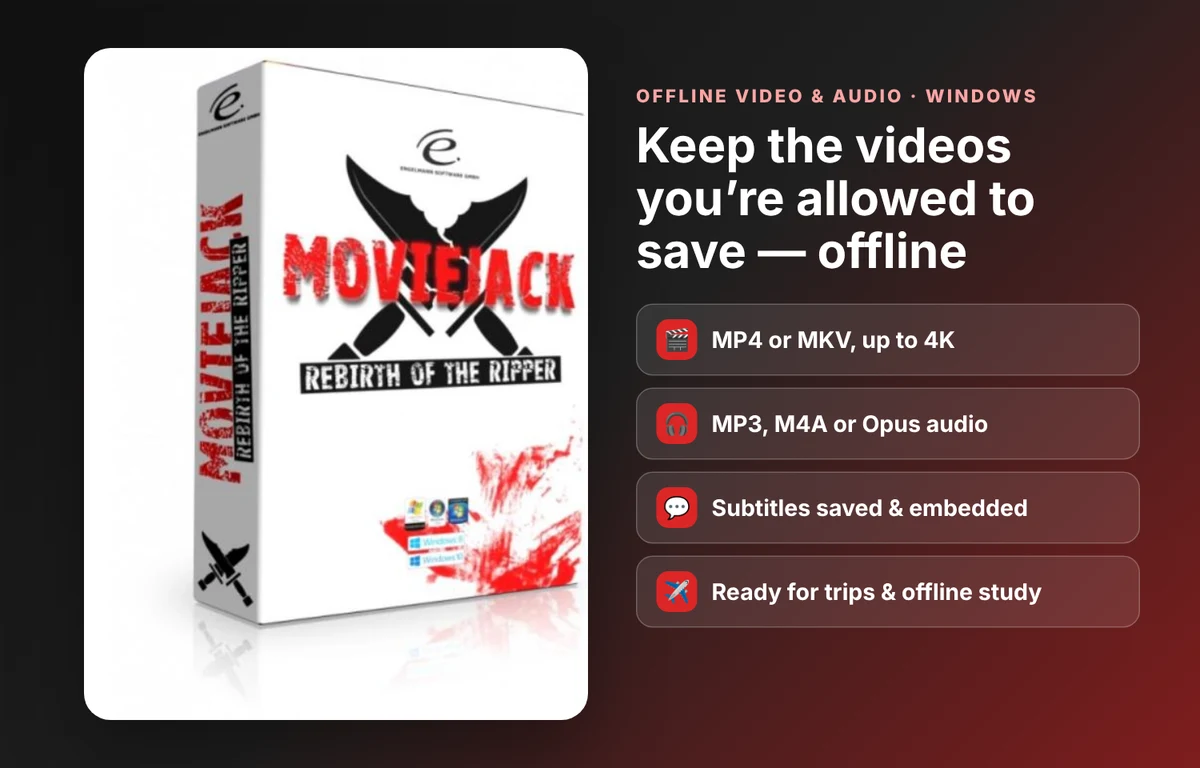
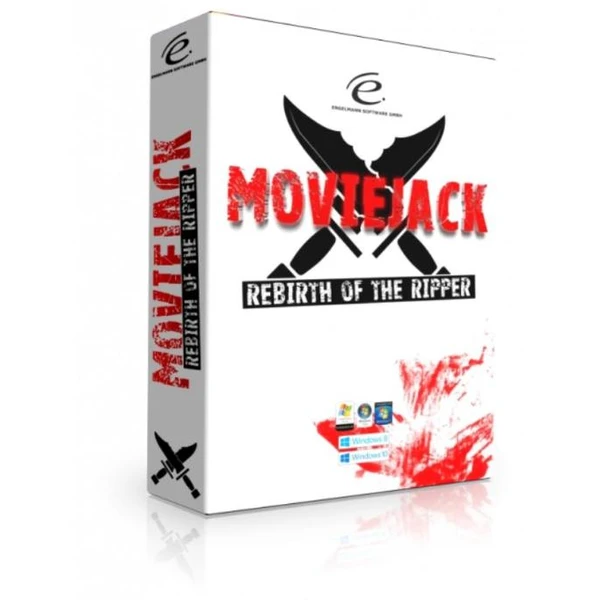
MovieJack does one job: it saves online video and audio to your computer so you can watch or listen without internet. According to Engelmann, it saves video as MP4 or MKV up to 4K, audio as MP3, M4A or Opus, keeps subtitles, handles several downloads at once and can send finished files to your phone by QR code. That is genuinely useful for backing up your own channel, keeping lectures and Creative Commons material for a trip, or archiving content you have permission to keep. The important part is the “permission”: YouTube and most streaming services do not allow downloading other people’s videos with third-party tools, and copyright protects most films and music. Used for your own and properly licensed content, MovieJack is a simple, inexpensive tool — $19.99 once, with a 60-day money-back guarantee.
What we like
- Simple offline copies. Paste a link, pick a format and the file is on your PC.
- Video and audio formats. MP4 or MKV up to 4K; MP3, M4A or Opus audio.
- Subtitles kept. Subtitles can be saved and embedded automatically.
- Several at once. Multiple downloads in parallel, plus a list to save later.
- Phone transfer. Send finished files to your phone by QR code — no cable or cloud.
- Small price, safe to try. $19.99 once with a year of updates and a 60-day money-back guarantee.
Good to know
- Only save what you may keep. Your own uploads, Creative Commons, public domain or content you have permission for — not other people’s videos or paid streams.
- Site terms apply. YouTube’s terms do not allow third-party downloading of others’ videos; use its own offline feature instead.
- Updates matter. Websites change often; the price includes one year of updates, after which some sites may stop working.
- No DRM content. It is not for copy-protected movies or music from streaming services.
What’s inside
What MovieJack can do
Features as described on Engelmann’s MovieJack page. The Digistore24 edition includes one year of updates.
Save
- Video up to 4KMP4 or MKV
- Audio onlyMP3, M4A or Opus
- Albums & playlistsSaved into their own folder
- Several downloads at oncePlus a list to download later
Find & organise
- Built-in searchWith preview
- Watch listCollect items and save them together
- SubtitlesSaved and embedded automatically
- Own foldersAlbums sorted automatically
Use offline
- QR transfer to phoneNo cable, no cloud
- Travel & studyLectures, podcasts, documentaries
- Personal archiveBack up your own uploads
- Windows 7 to 11Download + serial by e-mail
How it works
Saving your own or licensed content in four steps
Check you may save it
Use the “May I save this video?” tool below. Your own uploads, Creative Commons and public-domain content are the typical cases.
Paste the link
Copy the address of your video (or search inside MovieJack) and paste it into the program.
Choose format and quality
Pick MP4 or MKV and the resolution for video, or MP3, M4A or Opus for audio only; switch subtitles on if available.
Save and take it along
Start the download, then open the folder or send the file to your phone with the QR code.
Pricing
One payment, one year of updates
MovieJack is a one-time purchase through Digistore24 with one year of free updates. Prices from the order form in US dollars.
MovieJack
$19.99 one-time
Windows download with serial number by e-mail.
- Video (MP4/MKV) and audio (MP3/M4A/Opus)
- Subtitles, playlists and several downloads at once
- One year of free updates
- 60-day money-back guarantee
Optional extras at checkout
+$8.74 from
Not needed to use the program.
- Premium Support (2 years): +$8.74
- Backup DVD by post
- Both covered by the 60-day guarantee
Sales tax or VAT is added at checkout where it applies. After the update year the program keeps working, but changes on websites may need a newer version.
Setup guide
Installing and using MovieJack
Installation takes a few minutes. Start by saving one of your own videos to see how it works.
Buy and download
Check out on Digistore24 ($19.99 one-time). You land on the download page straight away, and your serial number arrives by e-mail.
- Keep the Digistore24 order e-mail — it has the download and refund links.
Install on Windows
Close open programs, run the installer and follow the steps. MovieJack runs on Windows 7, 8, 8.1, 10 and 11.
Activate
Start MovieJack and enter the serial number from your e-mail. Copy and paste it to avoid typos.
Choose your save folder
In the settings, pick a folder for your offline library — for example “Offline library” on a drive with enough space.
- Use the space calculator above to plan.
Check the permission
Before each download, make sure you may keep a copy: your own upload, Creative Commons, public domain or written permission.
💡 Not sure? Use the “May I save this video?” tool above.
Paste the link and pick a format
Paste the video address (or use the built-in search), then choose MP4 or MKV and the resolution, or MP3, M4A or Opus for audio. Switch subtitles on if you need them.
Save and organise
Start the download; several can run at once. Albums and playlists from your own or licensed sources go into their own folders.
Take it with you
Open the file on your PC, or send it to your phone with the QR code. Check for updates during your first year so sources keep working.
- If MovieJack is not for you, request your refund within 60 days.
Good, responsible uses
These are the kinds of content MovieJack is well suited to.
Back up your own channel
- Paste links to your own uploads.
- Save in the best quality as MP4 or MKV.
- Keep a copy on an external drive.
Your content, your copy.
Study offline
- Lectures and talks published under Creative Commons.
- Save audio as MP3 for listening on the go.
- Keep subtitles for language learning.
Follow each licence’s conditions.
Travel without internet
- Your own or licensed videos for the trip.
- Choose 720p to save space.
- Send them to your phone by QR code.
Use our trip planner.
Six things worth knowing
Permission first
Own, Creative Commons, public domain or written permission.
Site terms
Respect each website’s terms of use.
No streaming services
Use their own offline features.
720p is enough
For phones and laptops — saves space.
Update year
Keep updated so sources keep working.
60-day guarantee
Money back if it is not for you.
Your setup checklist
Free calculators
Tools for a responsible offline library
Check whether you may save a video, how much space your offline library needs and what to take on a trip.
May I save this video?
Before you save anything, check whether you have the right to keep a copy. Pick where the video comes from.
General information, not legal advice. Copyright rules differ by country, and each website has its own terms of use.
Offline library space calculator
See how much space the videos and audio you save will need on your laptop or phone.
Trip planner: what to take offline
Going on a flight, train ride or holiday without good internet? Plan how much of your own or licensed content to take along.
Quick check
Is MovieJack right for you?
Answer 5 quick questions.
Do you want offline copies of your own videos or recordings?
Do you use Creative Commons, public-domain or permitted content (lectures, podcasts)?
Do you use a Windows PC?
Do you often travel or study without good internet?
Do you mainly want to save movies, series or music from streaming services?
Also consider
Other tools from our PC Utilities & Media guide that suit different needs.
How to try it
Try MovieJack risk-free in 4 steps
FAQ
MovieJack questions answered
What is MovieJack?
MovieJack is Windows software from Engelmann Software that saves online video and audio to your computer for offline use, in formats such as MP4, MKV, MP3, M4A and Opus.
Is it legal to use MovieJack?
The software itself is legal, but what you save matters. Save only content you own, that is licensed for copying (e.g. Creative Commons, public domain) or that you have permission to keep, and respect each site’s terms. This is general information, not legal advice.
Can I download YouTube videos with it?
Your own uploads, yes. YouTube’s terms do not allow downloading other people’s videos with third-party tools; for those, use YouTube’s own offline feature or ask the creator for permission.
Does it work with Netflix, Disney+ or Spotify?
No. Copy-protected streaming content is not what MovieJack is for — use the services’ own download features for offline viewing.
Which formats does it save?
Video as MP4 or MKV (up to 4K where available) and audio as MP3, M4A or Opus, according to Engelmann.
Does it keep subtitles?
Yes, subtitles can be saved and embedded automatically where the source provides them.
Which Windows versions does it need?
Windows 7, 8, 8.1, 10 and 11.
How much does it cost?
$19.99 one-time on Digistore24, including one year of free updates.
What happens after the update year?
The program keeps working, but websites change often, so some sources may need a newer version after a while.
Can I get a refund?
Yes. You have 60 days to request a full refund through the link in your Digistore24 order e-mail.
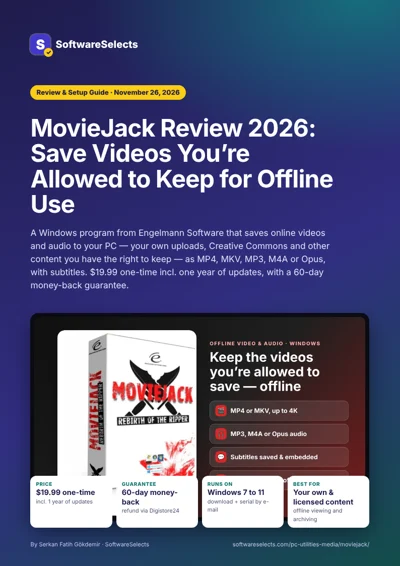
Free PDF
Download the MovieJack review & setup guide
Everything on this page in a colourful, printable PDF: our verdict, all features, the price, the setup guide, responsible uses, a permission checklist and offline planning tips.
- Verdict & features
- 8-step setup guide
- Responsible uses
- Permission checklist
About this review
Who wrote it

Serkan Fatih Gökdemir
Founder and Editor, SoftwareSelects
Serkan builds websites, WordPress plugins and online calculator tools himself, so he looks at software the way a working user would. He has also worked for 15 years as a medical laboratory technician, with an education in chemistry, and brings the same habit of checking details carefully to every page: what a product actually does, what it costs, what the refund terms are and who it suits.
Sources: the Digistore24 order form and listing for MovieJack and Engelmann Software’s MovieJack product page, checked on November 26, 2026. The permission guidance is general information, not legal advice.
Questions about MovieJack?
Tell our assistant what you want to keep offline. It will tell you whether MovieJack fits — and whether that content may be saved.
Details are based on the seller’s website and the Digistore24 listing as of November 26, 2026 and can change — always confirm the price and refund terms at checkout. SoftwareSelects may earn a commission from purchases made through our assistant’s links, at no extra cost to you. Affiliate disclosure
