DealBot AI Review 2026: An AI Assistant That Answers Every Message and Books Appointments
An AI inbox assistant for local service businesses: it answers WhatsApp, Instagram, Messenger, Telegram, email, SMS and website chat, books into your calendar and follows up with leads. $99 once — nothing renews — plus AI usage on your own Anthropic account. 60-day money-back guarantee.
Our verdict
A 24/7 receptionist for the price of one month of most chatbots
Local business
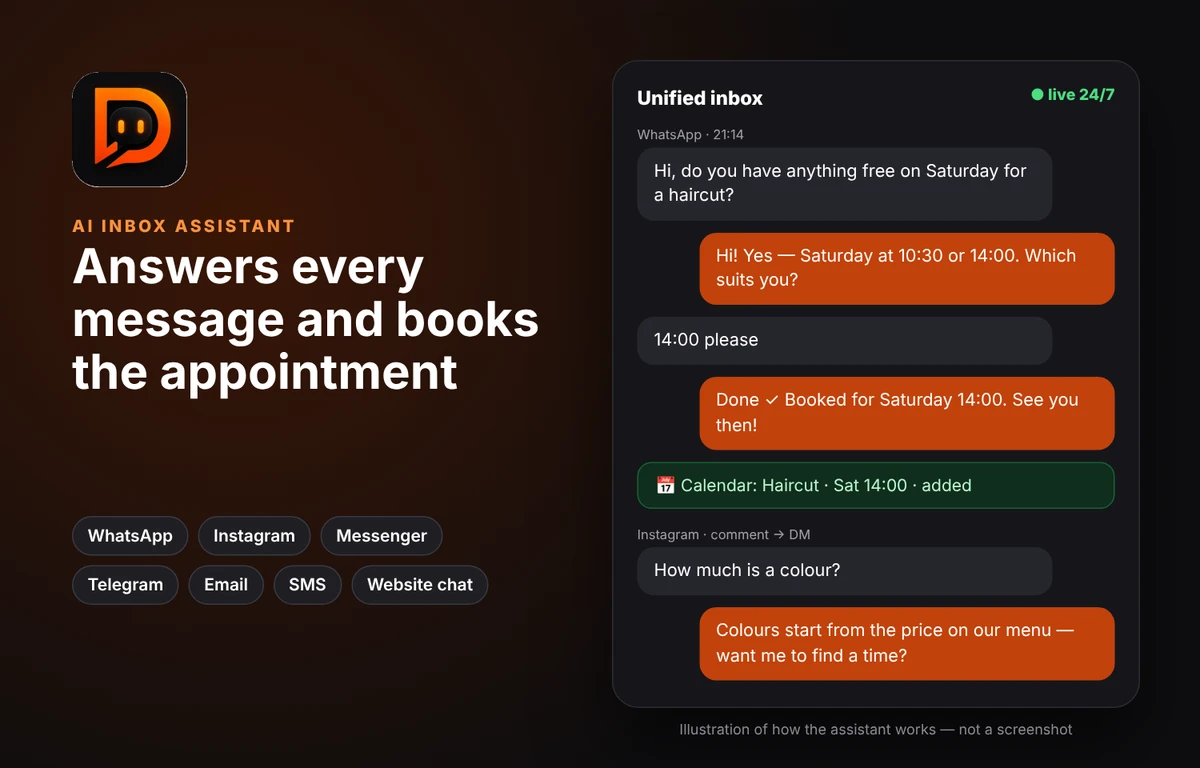
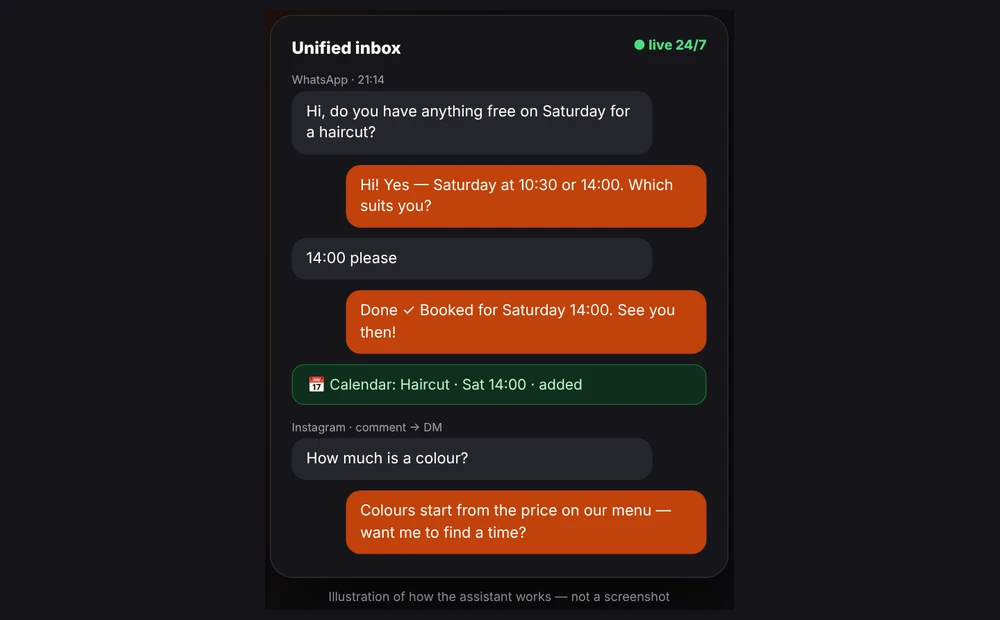
Salons, clinics, trades and gyms lose customers when messages wait until the next morning. DealBot AI answers them in seconds on seven channels — WhatsApp, Instagram DMs, Facebook Messenger, Telegram, email, SMS and a website chat widget — from one inbox. You paste your website and it learns your services and prices; it checks your live availability, offers real slots and books into your calendar, remembers each customer across channels, handles objections like “too expensive” instead of going quiet, turns Instagram and Facebook comments into DMs, follows up with people who stop replying and hands anything unusual or high-value to you with a summary. The pricing is unusually honest: $99 once with nothing renewing, while the AI itself runs on your own Anthropic key at Anthropic’s prices with no mark-up — you can see every cent and set a spending cap. It comes from Eager Dragon Publishing Ltd, a registered UK company, and a 60-day money-back guarantee makes it easy to try.
What we like
- Seven channels, one inbox. WhatsApp, Instagram, Messenger, Telegram, email, SMS and website chat.
- Books by itself. Live availability, real slots, confirmed bookings, no double booking.
- Follows up and sells. Handles objections and chases leads who go quiet.
- Hands over to you. Unusual or high-value chats are flagged with a summary; jump in any time.
- Pay once. $99, nothing renews; AI usage at Anthropic’s price with no mark-up.
- Safe to try. 15-minute self-serve setup and a 60-day money-back guarantee.
Good to know
- AI usage is extra. You need your own Anthropic account and pay per use; 10 AI credits are included to start. Set a spending cap.
- WhatsApp takes longer. WhatsApp Business verification is controlled by Meta and can take extra time.
- Review before go-live. Read test conversations and correct anything; AI can make mistakes.
- A tool, not a guarantee. Results depend on your business and prices, as the seller says. Mention the assistant in your privacy notice.
What’s inside
What DealBot AI does
From the DealBot AI sales page and Digistore24 listing (November 2026).
Answer
- 7 channelsWhatsApp, Instagram, Messenger, Telegram, email, SMS, web chat
- Trained on your businessPaste your website, add documents
- Your toneLearns how you write
- Comments → DMsInstagram and Facebook comments
Book & follow up
- Live availabilityOffers real slots
- Calendar bookingConfirmed automatically
- Follow-upsChases quiet leads
- Objection handlingReads buying signals
Stay in control
- Customer memoryOne timeline across channels
- Hand-overFlags unusual or high-value chats
- Jump inTake over any thread, hand it back
- Cost controlOwn Anthropic key, spending cap
How it works
From your website to a working assistant
Paste your website
DealBot reads your services, prices and FAQs and builds the assistant. Add documents and example replies to match your tone.
Connect channels and calendar
Connect the channels you use and your calendar, then add your Anthropic key (10 AI credits are included to start).
Let it answer and book
It replies in seconds, offers real slots, books and confirms, and follows up with people who go quiet.
Step in when needed
Unusual or high-value chats are flagged with a summary. Jump into any thread and hand it back when you are done.
Pricing
One payment, plus AI usage at cost
From the DealBot AI sales page. Checkout and refunds are handled by Digistore24.
DealBot AI
$99 one-time
No monthly fee, no per-conversation charge, nothing renews.
- All 7 channels and every feature
- Calendar booking and follow-ups
- 10 AI credits to start
- AI usage billed by Anthropic at their price
- 60-day money-back guarantee
The only ongoing cost is AI usage on your own Anthropic account; it depends on volume, photos, voice notes and conversation length. Messaging channels may have their own costs or rules (for example Meta for WhatsApp, or your SMS provider).
Setup guide
Setup guide: live in about fifteen minutes
Start with one channel, test, then add the rest.
Try the live demo
Ask the demo assistant on the sales page a few questions your customers ask, to see how it answers.
Buy and log in
Check out through Digistore24. Your dashboard login arrives by e-mail within minutes — it runs in the browser, nothing to install.
Paste your website
Enter your website address. DealBot builds the assistant from your services, prices and FAQs; add documents and example replies for your tone.
Set hours and booking rules
Add opening hours, service durations and buffer times, then connect your calendar and make a test booking.
Add your Anthropic key
Create an Anthropic account, generate an API key, set a monthly spending cap, and paste the key into DealBot. 10 included AI credits cover the first replies.
💡 Set the spending cap before connecting busy channels.
Connect your first channel
Start with website chat or email. Follow the dashboard steps for Instagram, Messenger, Telegram and SMS; WhatsApp needs Meta Business verification.
Test and correct
Send 10 test messages, read the answers and fix anything that sounds off. Set hand-over rules for unusual or high-value requests.
Go live and review weekly
Turn it on, mention the AI assistant in your privacy notice, and review flagged chats and costs each week.
Set-ups for common businesses
Starting points; adjust to your services.
Salon or clinic
- Channels: WhatsApp + Instagram.
- Calendar booking with buffers.
- Reminders and follow-ups.
Goal: full calendar, fewer no-shows.
Trades
- Channels: website chat, SMS, email.
- Qualify job type and postcode.
- Hand over quotes to you.
Goal: no lost evening enquiries.
Gym or studio
- Channels: Instagram, Messenger.
- Book trial sessions.
- Follow up quiet leads.
Goal: more trial sign-ups.
Six things worth knowing
$99 once
Nothing renews.
AI at cost
Own Anthropic key.
7 channels
One inbox.
15-minute setup
WhatsApp may take longer.
Hand-over
Flags important chats.
60-day refund
Via Digistore24.
Your setup checklist
Free calculators
Business tools you can use right now
Estimate what missed messages cost you, what AI usage might cost, how DealBot compares with a monthly chatbot, and work through a go-live checklist.
What do missed messages cost you?
Estimate the bookings you lose when nobody answers in time.
Estimate your AI usage cost
DealBot runs on your own Anthropic key — you pay Anthropic directly. Enter your volume and a per-conversation estimate.
One payment vs. a monthly chatbot
Compare DealBot’s $99 + AI usage with a chatbot subscription you are considering.
Go-live checklist
Tick these off before you let the assistant answer customers on its own.
Quick check
Is DealBot AI right for you?
Answer 5 quick questions.
Do customers contact you by WhatsApp, Instagram, email or chat?
Do messages often wait until the next day?
Do you take bookings or appointments?
Are you OK creating an Anthropic account for AI usage?
Do you need a phone-call answering service?
Also consider
Other tools from our Website & Marketing guide that suit different needs.
How to try it
Try DealBot AI risk-free in 4 steps
FAQ
DealBot AI questions answered
What is DealBot AI?
An AI assistant that answers customer messages on WhatsApp, Instagram, Messenger, Telegram, email, SMS and website chat, books appointments and follows up with leads.
How much does it cost?
$99 once. No monthly fee, no per-conversation charge and nothing renews.
Are there ongoing costs?
Yes, AI usage. It runs on your own Anthropic key, so you pay Anthropic directly at their prices; 10 AI credits are included to start.
How long does setup take?
About fifteen minutes, self-serve. WhatsApp Business verification by Meta can take longer.
Can it book appointments?
Yes. It checks live availability, offers real slots and adds confirmed bookings to your calendar.
Will it sound robotic?
It is trained on your website, documents and writing style. Read test conversations and correct anything before going live.
Can I take over a conversation?
Yes. Unusual or high-value chats are flagged with a summary, and you can jump into any thread.
Who makes it?
Eager Dragon Publishing Ltd, a company registered in England and Wales.
Is there a demo?
Yes, the sales page has a live assistant you can ask questions.
Can I get a refund?
Yes, within 60 days through Digistore24, without giving a reason.
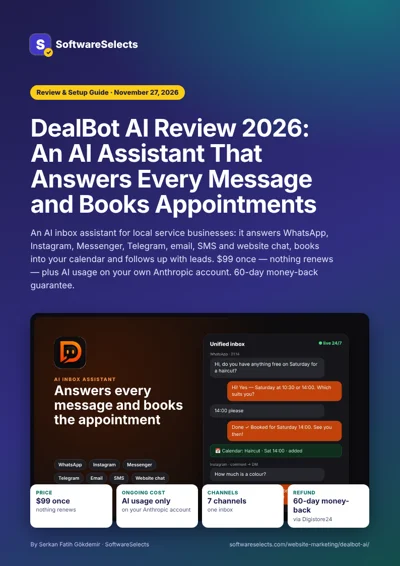
Free PDF
Download the DealBot AI review & setup guide
Everything on this page in a colourful, printable PDF: our verdict, the features, pricing and AI costs, the 8-step setup guide, set-ups for common businesses and a go-live checklist.
- Verdict & features
- 8-step setup guide
- Set-ups by business
- Go-live checklist
About this review
Who wrote it

Serkan Fatih Gökdemir
Founder and Editor, SoftwareSelects
Serkan builds websites, WordPress plugins and online calculator tools himself, so he looks at software the way a working user would. He has also worked for 15 years as a medical laboratory technician, with an education in chemistry, and brings the same habit of checking details carefully to every page: what a product actually does, what it costs, what the refund terms are and who it suits.
Sources: the DealBot AI sales page (features, pricing, FAQ, seller details) and the Digistore24 marketplace listing, checked on November 27, 2026. Logo is the seller’s; the inbox picture is our illustration.
Questions about DealBot AI?
Tell our assistant about your business and channels. It will tell you whether DealBot fits.
Details are based on the seller’s website and the Digistore24 listing as of November 27, 2026 and can change — always confirm the price and refund terms at checkout. SoftwareSelects may earn a commission from purchases made through our assistant’s links, at no extra cost to you. Affiliate disclosure
