Lightroom Preset Ultimate Pack Review 2026: 21 Presets for Portrait Photographers
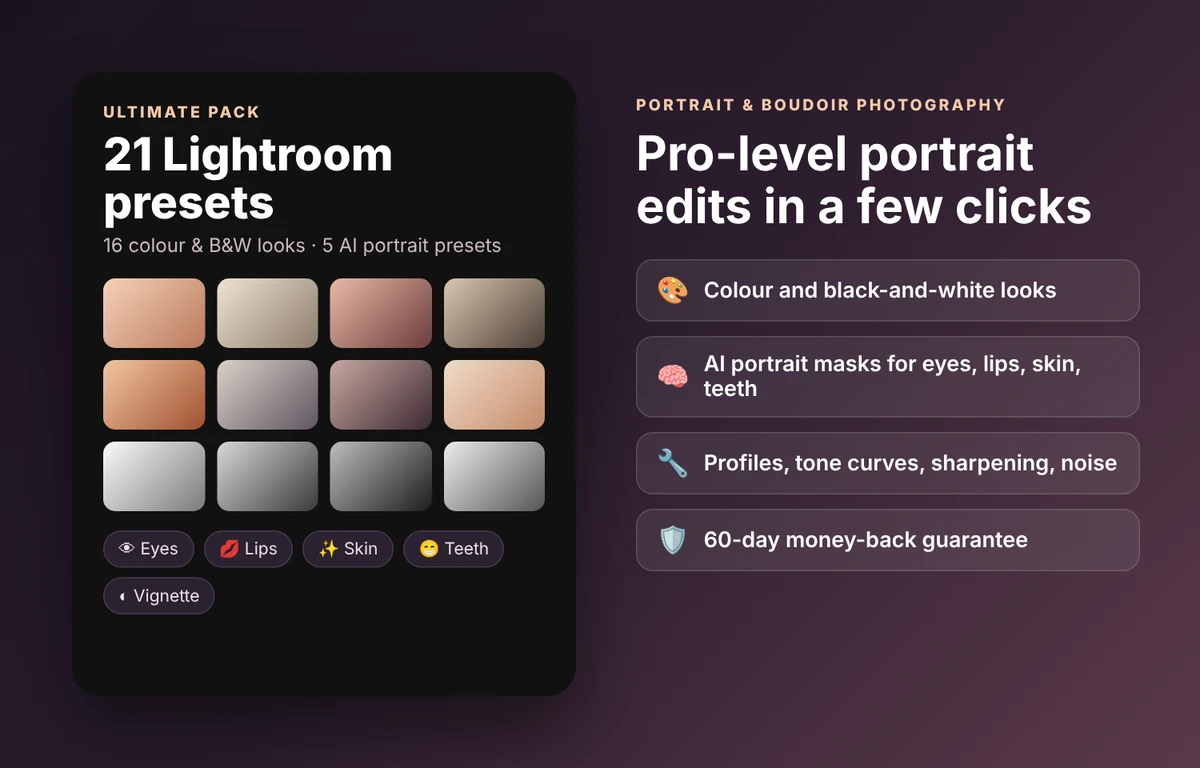
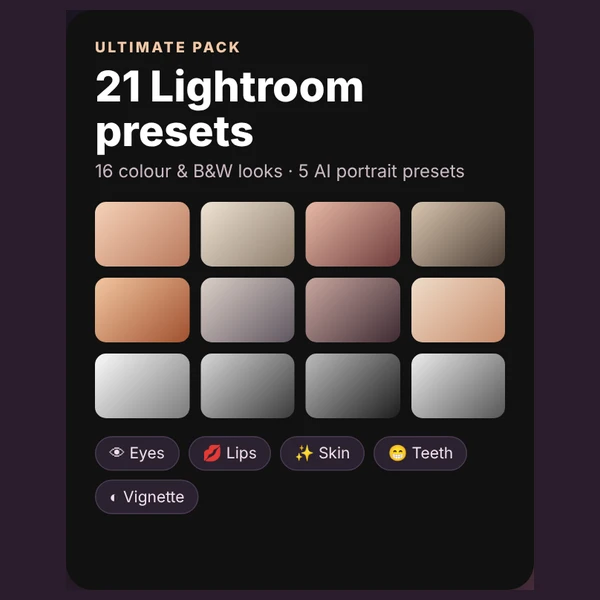
The Boudoir Secrets Masterclass “Ultimate Pack”: 16 colour and black-and-white Lightroom presets plus 5 AI-enhanced portrait presets for eyes, lips, skin and teeth, and a vignette. One-time purchase with a 60-day money-back guarantee.
Our verdict
A focused toolkit for consistent, polished portraits
Portrait presets
Many preset packs are just colour filters. The Ultimate Pack goes further: alongside 16 scalable colour and black-and-white looks it includes 5 AI-enhanced portrait presets that use Lightroom’s people masks to refine eyes, lips, skin and teeth separately, plus a vignette preset for framing. The base presets also set profiles, tone curves, sharpening, noise reduction and lens corrections, so one click gives you a complete starting edit that you can fine-tune. It is made by Boudoir Secrets Masterclass for portrait and boudoir photographers who want a consistent, magazine-style look across a whole gallery, and it is backed by a 60-day money-back guarantee. You need Adobe Lightroom (sold separately), and a recent version for the AI presets.
What we like
- More than colour filters. Profiles, tone curves, sharpening, noise reduction and lens corrections built in.
- AI portrait presets. Separate refinements for eyes, lips, skin and teeth using people masks.
- Colour and B&W. 16 scalable looks for bright, moody or timeless edits.
- Consistent galleries. Apply one look across a shoot and only fine-tune.
- Works across Lightroom. Classic, desktop and — via sync — mobile.
- Safe to try. One-time price and a 60-day money-back guarantee.
Good to know
- Lightroom not included. You need an Adobe Lightroom subscription or app.
- Recent version for AI presets. People masks need Lightroom Classic 12+ or Lightroom desktop 6+; older versions get only the base looks.
- Presets are a starting point. Light and skin tones differ — expect to adjust exposure and white balance.
- Made for portraits. Landscape or product photographers will get less from it.
What’s inside
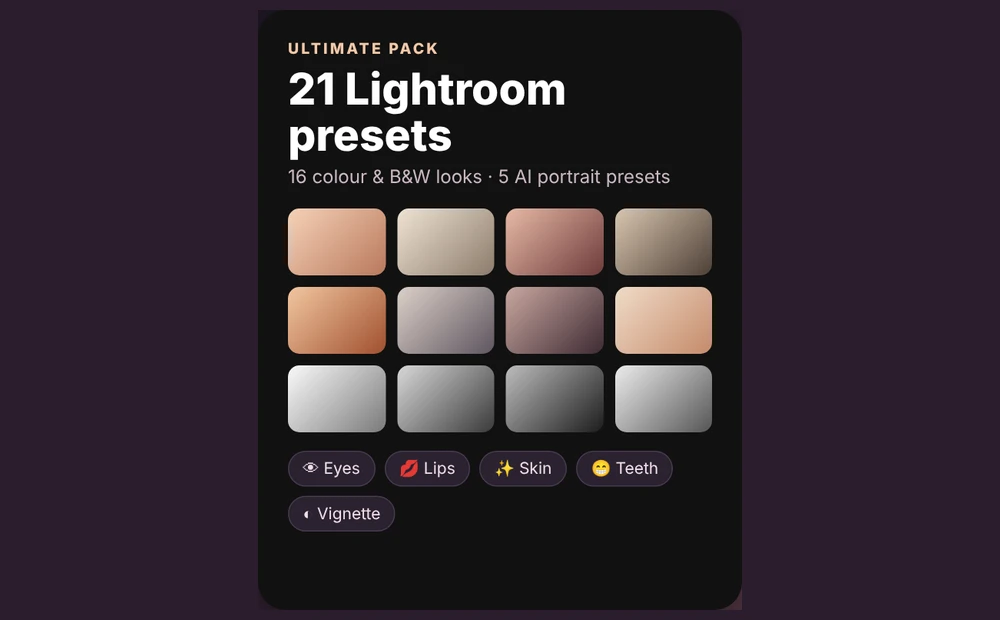
What’s inside the Ultimate Pack
From the seller’s product description on Digistore24 (November 2026).
16 looks
- Colour presetsWarm, soft and deeper tones
- Black & white presetsTimeless monochrome
- ScalableAdjust the strength to taste
- Full base editProfile, tone curve, sharpening
5 AI portrait presets
- EyesBrighter, clearer eyes
- LipsNatural colour and definition
- SkinSmoother, even skin
- TeethWhiter, cleaner smile
Finishing
- Vignette presetArtistic framing and focus
- Noise reductionCleaner low-light shots
- Lens correctionsFix distortion and vignetting
- One-time purchaseDownload and keep
How it works
From raw photo to finished portrait
Import and choose a look
Install the presets once, then pick one of the 16 colour or black-and-white looks for the whole shoot.
Fix exposure and white balance
Presets cannot know your light. Adjust exposure, highlights and white balance so skin tones look right.
Refine with AI portrait presets
Apply the eyes, lips, skin and teeth presets. Lightroom detects the person and creates the masks automatically.
Sync and export
Copy the settings to similar photos, add the vignette if you like, then export for screen or print.
Pricing
One payment, yours to keep
Price from the Digistore24 order form when we checked; the final amount can vary by country and tax.
Lightroom Preset Ultimate Pack
€68.50 one-time
Digital download.
- 16 colour and black-and-white presets
- 5 AI-enhanced portrait presets
- Vignette preset
- Profiles, tone curves, sharpening, noise, lens corrections
- 60-day money-back guarantee
The Digistore24 marketplace listing shows €49.90, while the order form showed €68.50 when we checked — the order form shows what you pay. Adobe Lightroom is sold separately.
Setup guide
Setup guide: install the presets in Lightroom
Import once on your computer; the presets then sync to your other devices.
Check your Lightroom version
Help → System Info (Classic) or Help → About (Lightroom desktop). For the AI portrait presets you need Classic 12+ or Lightroom desktop 6+. Update through the Adobe Creative Cloud app if needed.
Buy and download
Check out through Digistore24 and download the pack from the order page or e-mail. Save the order e-mail for the 60-day guarantee.
Unzip the download
Extract the ZIP file to a folder you will keep, for example Pictures/Presets/Ultimate Pack.
Import in Lightroom Classic
Develop module → Presets panel → click “+” → Import Presets → select the preset files or the ZIP → Import. They appear as a new preset group.
💡 Lightroom Classic can import the ZIP directly — no need to unzip first.
Or import in Lightroom desktop
Edit (E) → Presets → “…” menu → Import Presets → choose the files. They sync automatically to Lightroom mobile and web with the same Adobe account.
Apply a look
Open a photo, hover over presets to preview, click one. Use the Amount slider (Lightroom desktop / newer Classic) to scale the strength.
Add the portrait presets
Apply the eyes, lips, skin and teeth presets. Lightroom detects the person and builds the masks — check them in the Masking panel and lower the amount if needed.
Sync and export
Select similar photos → Sync Settings (Classic) or copy/paste settings, then export for web or print.
Recommended workflow by shoot type
Starting points; adjust to your style.
Window-light sessions
- Start with a light colour look.
- Protect highlights on skin.
- Skin preset at 50–70%.
Goal: soft, airy galleries.
Moody low light
- Start with a deeper look.
- Noise reduction first.
- Add the vignette preset.
Goal: rich, dramatic tones.
Black & white
- Pick a B&W preset.
- Brighten skin with the Red/Orange mix.
- Eyes preset for sparkle.
Goal: timeless portraits.
Six things worth knowing
€68.50 once
At checkout when we checked.
21 presets
16 looks + 5 AI + vignette.
Lightroom needed
Sold separately by Adobe.
Classic 12+
For the AI portrait presets.
Syncs to mobile
Import on desktop first.
60-day guarantee
Per the seller.
Your setup checklist
Free calculators
Photo tools you can use right now
Check that the presets work in your Lightroom, estimate the editing time you save, get a starting preset for your light and run a delivery checklist.
Will the presets work in my Lightroom?
The 5 AI portrait presets use Lightroom’s people masks (eyes, lips, skin, teeth). Check your version.
How much editing time could you save?
Estimate the time you save when a preset does the base edit and you only fine-tune.
Which preset to start with?
Pick your light and the mood you want. We suggest a starting look and the first sliders to adjust afterwards.
Before you deliver: checklist
Tick these off for every gallery.
Quick check
Is Lightroom Preset Ultimate Pack right for you?
Answer 5 quick questions.
Do you shoot portraits or boudoir sessions?
Do you edit in Adobe Lightroom?
Do you want a consistent look across a gallery?
Is your Lightroom up to date?
Do you mainly shoot landscapes or products?
Also consider
Other tools from our PC Utilities & Media guide that suit different needs.

How to try it
Try the pack risk-free in 4 steps
FAQ
Lightroom Preset Ultimate Pack questions answered
What is the Lightroom Preset Ultimate Pack?
A pack of 21 Adobe Lightroom presets by Boudoir Secrets Masterclass: 16 colour and black-and-white presets, 5 AI-enhanced portrait presets and a vignette preset.
How much does it cost?
The Digistore24 order form showed €68.50 one-time when we checked; the final price can vary by country and tax.
Do I need Lightroom?
Yes. The presets work in Adobe Lightroom, which you buy separately.
Which Lightroom version do I need?
The colour and B&W presets work in current Lightroom versions. The AI portrait presets need people masks: Lightroom Classic 12 or later, or Lightroom desktop 6 or later.
Can I use the presets on my phone?
Yes. Import them in Lightroom desktop and they sync to Lightroom mobile with the same Adobe account.
What do the AI portrait presets do?
They use Lightroom’s people masks to refine eyes, lips, skin and teeth separately.
Are the presets only for boudoir?
They are designed for boudoir and portrait work, but suit most people photography.
Will one click give a finished photo?
It gives a complete starting edit. Expect to adjust exposure and white balance for your light.
Is it a subscription?
No, it is a one-time purchase.
Can I get a refund?
Yes. The seller offers a 60-day money-back guarantee.
Free PDF
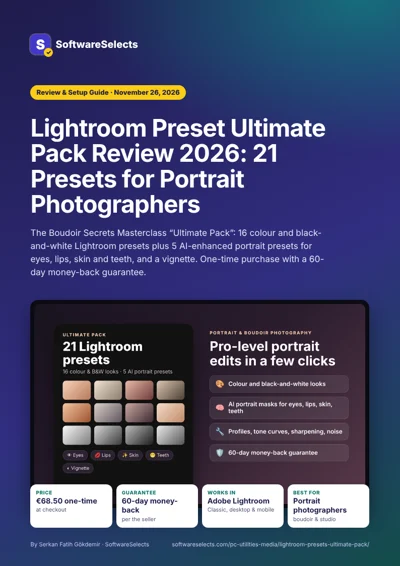
Download the Lightroom Preset Ultimate Pack review & setup guide
Everything on this page in a colourful, printable PDF: our verdict, what is inside, the price, the 8-step install guide for Lightroom Classic and Lightroom desktop, workflows by shoot type and a delivery checklist.
- Verdict & contents
- 8-step install guide
- Workflows by shoot
- Checklist & first-week plan
About this review
Who wrote it

Serkan Fatih Gökdemir
Founder and Editor, SoftwareSelects
Serkan builds websites, WordPress plugins and online calculator tools himself, so he looks at software the way a working user would. He has also worked for 15 years as a medical laboratory technician, with an education in chemistry, and brings the same habit of checking details carefully to every page: what a product actually does, what it costs, what the refund terms are and who it suits.
Sources: the seller’s product description on the Digistore24 marketplace and order form for the Boudoir Secrets Masterclass Ultimate Pack, and Adobe’s Lightroom masking documentation, checked on November 26, 2026. Overview graphics are our own.
Questions about the preset pack?
Tell our assistant what you shoot and which Lightroom you use. It will tell you if the pack fits.
Details are based on the seller’s website and the Digistore24 listing as of November 26, 2026 and can change — always confirm the price and refund terms at checkout. SoftwareSelects may earn a commission from purchases made through our assistant’s links, at no extra cost to you. Affiliate disclosure
