Databloom Review 2026: AI Lecture Notes, Quizzes & a Study Ebook
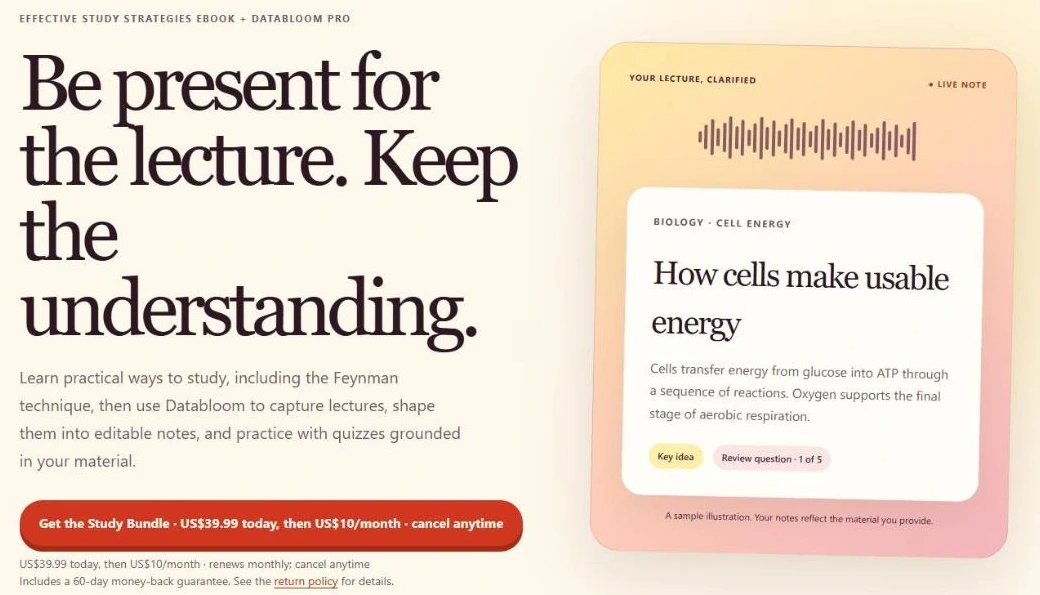
A study bundle for students: the “Effective Study Methods” PDF ebook plus Databloom Pro, a browser app that records lectures with live captions, turns them into editable notes and quizzes you on your own material. $39.99 today, then $10 a month.
Our verdict
A focused study loop: listen, get notes, test yourself
Study tool
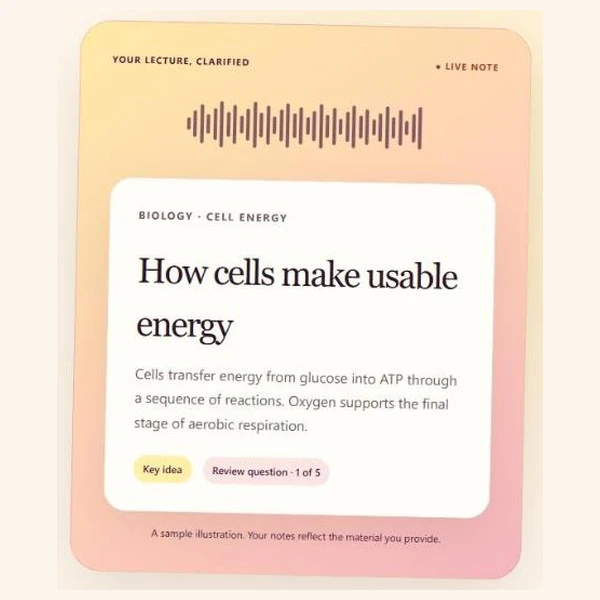
Databloom pairs two things that belong together: a practical ebook on how to study (active recall, spaced repetition, the Feynman technique, interleaving and exam preparation) and an app that helps you actually do it. In class you record in your browser and follow live captions; afterwards Databloom turns the recording into a structured note you can edit, lets you attach one PDF (for example the slides) and builds a short quiz with explanations grounded in your note. That means you can listen in the lecture instead of typing everything, and revise with retrieval practice rather than re-reading. The offer page is refreshingly clear about limits — 300 recorded minutes per seven days, no lifetime deal, no free trial, AI output may contain errors — and the ebook and your notes stay with you if you cancel. Backed by a 60-day money-back guarantee, it is an easy bundle to try for a term.
What we like
- Listen instead of typing. Live captions while you record; a structured note afterwards.
- Quizzes from your own material. Retrieval practice with explanations grounded in your note.
- Method plus tool. The ebook teaches the techniques; the app makes them a habit.
- Keep what you made. The ebook is yours, and notes stay readable after you cancel.
- Honest, clear offer. Limits, renewal and AI accuracy are stated up front.
- Safe to try. 60-day money-back guarantee; cancel the monthly plan anytime.
Good to know
- Subscription after day one. $39.99 today includes the ebook and first month; then $10 a month until you cancel. No free trial.
- 300 minutes per week. Enough for about five one-hour lectures in each seven-day period.
- Check AI output. Transcripts, notes and quizzes can contain errors — compare key facts with your sources.
- Ask before recording. Many universities require the lecturer’s permission to record; check your course rules.
What’s inside
What you get in the study bundle
From the Databloom offer page and the Digistore24 order form. Databloom is a new offer on Digistore24 (listed since October 2026).
Capture
- Browser recordingRecord a lecture with your microphone
- Live captionsFollow along as the lecture unfolds
- 300 min / 7 daysRecording time in Pro
- Any device with a browserLaptop, tablet or desktop
Process
- Structured notesRecording → organised note
- EditableFix, add and reorganise
- PDF attachmentOne optional PDF per note, e.g. slides
- Notes stay readableEven after Pro ends
Practise & learn
- Grounded quizzesQuestions with explanations from your note
- Ebook: study methodsActive recall, spaced repetition
- Feynman & interleavingPlus exam preparation strategies
- Ebook is yoursDownloadable PDF to keep
How it works
One lecture, one study loop
Capture the lecture
Start a recording in your browser at the beginning of class and follow the live captions — no frantic typing.
Make it make sense
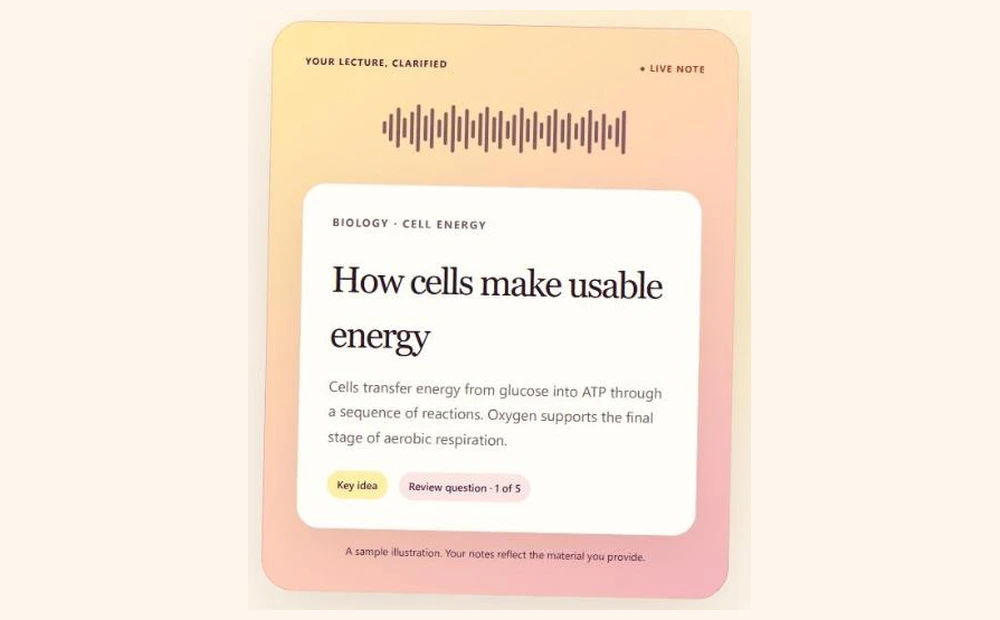
After class Databloom turns the recording into a structured note. Edit it, add your own points and attach the slides as a PDF.
Practise remembering
Take a short quiz with explanations, built from your note and source material — retrieval practice, not re-reading.
Use the methods from the ebook
Plan reviews with spaced repetition, explain topics with the Feynman technique and mix subjects with interleaving.
Pricing
One bundle, then a monthly plan
From the Digistore24 order form. The ebook is a one-time part of the first payment; Databloom Pro renews monthly until you cancel.
Databloom Study Bundle
$39.99 today
Then $10 per month for Databloom Pro.
- Effective Study Methods ebook (PDF, yours to keep)
- Databloom Pro: 300 recorded minutes per 7 days
- Live captions, editable notes, quizzes
- One PDF attachment per note
- Cancel anytime; 60-day money-back guarantee
Taxes may be added at checkout where they apply. No free trial and no lifetime deal are offered through Digistore24. Pro access continues to the end of the paid month after you cancel.
Setup guide
Setup guide: from checkout to your first quiz
About ten minutes before your next lecture.
Check you may record
Look at your course or university rules, or ask the lecturer, before recording lectures.
Buy the bundle
Check out through Digistore24 with the e-mail you want to use for Databloom. Keep the order e-mail — it has your return and cancel links.
Download the ebook
Download the Effective Study Methods PDF from the Digistore24 order confirmation page and save it.
Create your Databloom account
Go to databloom.app and sign up or sign in with the same e-mail you used at checkout. Pro activates once Digistore24 confirms payment.
💡 No Pro access yet? Contact Databloom support from your purchase e-mail.
Allow the microphone
Open Databloom in a supported browser and allow microphone access. Do a 30-second test recording before class.
Record your lecture
Start recording at the start of class and follow the live captions. Keep an eye on your 300 minutes per week.
Turn it into a note
After class, create the structured note, edit it, add your own examples and attach the slides as one PDF.
Quiz yourself and plan reviews
Take the quiz the same day, then again on spaced review days (see our planner). Cancel from your order e-mail when term ends.
How to use it for your situation
Starting points; adjust to your timetable.
Lecture-heavy term
- Record your hardest lectures first.
- Note + quiz the same evening.
- Keep under 300 min per week.
Goal: listen in class, revise after.
Exam season
- Quiz every note on spaced review days.
- Use the Feynman check on weak topics.
- Interleave subjects in each session.
Goal: remember on exam day.
Self-study
- Record yourself explaining a chapter.
- Attach the chapter PDF to the note.
- Quiz yourself from it.
Goal: active learning, not re-reading.
Six things worth knowing
$39.99 + $10/mo
Ebook + Pro, then monthly.
No free trial
60-day money-back instead.
300 min / week
About five 1-hour lectures.
Browser + mic
Laptop, tablet or desktop.
Ebook is yours
Notes stay readable after cancelling.
Check AI output
Compare key facts with sources.
Your setup checklist
Free calculators
Study tools you can use right now
Check the weekly recording limit, see the cost for your semester, plan spaced reviews before your exam and test your understanding with the Feynman technique.
Will 300 minutes a week be enough?
Databloom Pro includes 300 recorded minutes in each seven-day period. Check your lecture load.
What will it cost this semester?
$39.99 today (ebook + first month), then $10 a month until you cancel.
Spaced-repetition review planner
The ebook covers spaced repetition. Enter when you learn a topic and your exam date — get the days to review it.
Feynman technique check
Explain a topic in plain words, as if to a 12-year-old. We flag long sentences and jargon you should simplify.
Quick check
Is Databloom + Effective Study Methods right for you?
Answer 5 quick questions.
Are you a university or college student with lectures?
Do you struggle to listen and take notes at the same time?
Would quizzes on your own material help you revise?
Is $10 a month during term fine for you?
Are recordings of your lectures not allowed?
Also consider
Other tools from our Learn Tech Skills guide that suit different needs.


How to try it
Try Databloom risk-free in 4 steps
FAQ
Databloom + Effective Study Methods questions answered
What is Databloom?
A browser-based study app that records lectures with live captions, turns them into editable notes and creates quizzes from your material. The Digistore24 bundle adds the Effective Study Methods ebook.
How much does it cost?
$39.99 today (ebook and Databloom Pro), then $10 per month for Pro until you cancel.
Is there a free trial?
No free trial is offered through Digistore24, but there is a 60-day money-back guarantee.
How many minutes can I record?
Up to 300 recorded minutes in each independent seven-day period.
What is in the ebook?
Practical, evidence-based study methods: active recall, spaced repetition, the Feynman technique, interleaving and exam preparation.
What happens if I cancel?
Pro runs to the end of the paid period. You keep the ebook, and your existing notes stay readable.
Which devices does it work on?
Any device with a supported web browser and a microphone; allow microphone access before class.
Are the AI notes always correct?
No AI is perfect. Databloom says transcripts, notes and quizzes can contain errors, so check key details against your sources.
Can I record any lecture?
Check your university’s rules — many require the lecturer’s permission to record.
How do I get access?
Download the ebook from the order confirmation page, then create or sign in to Databloom with the same e-mail you used at checkout.
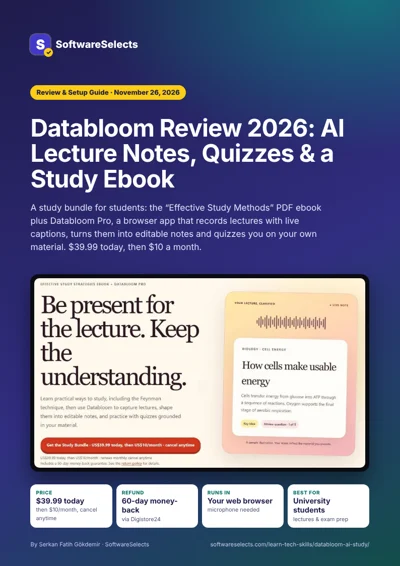
Free PDF
Download the Databloom review & setup guide
Everything on this page in a colourful, printable PDF: our verdict, the features, the price and renewal, the 8-step setup guide, study plans for your situation and a checklist.
- Verdict & features
- 8-step setup guide
- Plans by situation
- Checklist & first-week plan
About this review
Who wrote it

Serkan Fatih Gökdemir
Founder and Editor, SoftwareSelects
Serkan builds websites, WordPress plugins and online calculator tools himself, so he looks at software the way a working user would. He has also worked for 15 years as a medical laboratory technician, with an education in chemistry, and brings the same habit of checking details carefully to every page: what a product actually does, what it costs, what the refund terms are and who it suits.
Sources: the Databloom study bundle offer page, the Digistore24 order form and the Digistore24 marketplace listing, checked on November 26, 2026. Images are from the seller’s page.
Questions about Databloom?
Tell our assistant how you study and how many lectures you have. It will tell you if Databloom fits.
Details are based on the seller’s website and the Digistore24 listing as of November 26, 2026 and can change — always confirm the price and refund terms at checkout. SoftwareSelects may earn a commission from purchases made through our assistant’s links, at no extra cost to you. Affiliate disclosure
